
JazzCash, NayaPay or SadaPay: Which Wallet to Top Up With
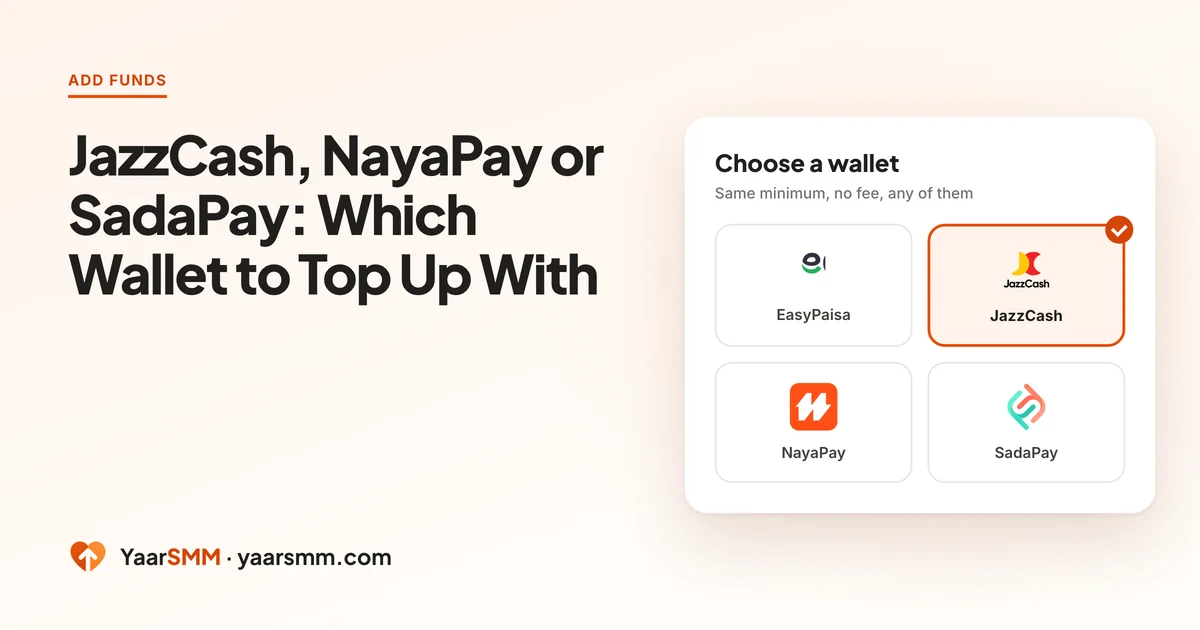
EasyPaisa gets most of the attention, but plenty of people keep their money in JazzCash, NayaPay or SadaPay. On YaarSMM all four arrive at your balance the same way. What differs is small, and mostly on your side of the transfer.
What is the same for every wallet
Before comparing, the parts that do not change:
- Minimum top-up: Rs. 200, whichever wallet you use.
- Fees: none. You send exactly the amount you want on your balance.
- The route: Add funds, pick the wallet tile, Continue to payment, send, then paste the transaction ID into Enter T-ID and press Verify.
- Prices: services cost the same however you paid.
So choose whichever wallet makes the payment easiest for you today.
Where the wallets differ
The differences are in the apps, not in the panel.
- JazzCash: the receipt calls the reference a TID, and JazzCash also sends it by SMS, which makes it easy to find later.
- NayaPay: the reference sits in the payment’s details in your activity list. NayaPay also offers a virtual card, but for a top-up you only need a normal transfer.
- SadaPay: the transaction reference is in the transfer’s details view. Like NayaPay, its card is not needed here.
- EasyPaisa: covered step by step in SMM Panel with EasyPaisa.
Whichever you pick, copy the transaction reference. Transaction ID (T-ID): What It Is and Why Your Balance Needs It shows where each app keeps it.
How to choose in practice
- Use the wallet that already holds the money. Moving funds from one wallet to another first adds a transfer that can fail or wait on its own.
- Check your wallet’s limit for larger top-ups. Daily and monthly sending limits are set by the wallet and your account level there. If a large top-up is refused, the limit is the usual reason.
- Pick the app you know. Finding the transaction ID quickly matters more than any difference between wallets, and you will find it faster in an app you use every day.
- Keep the receipt until the balance shows. This applies to every wallet.
We cannot see inside your wallet. If a transfer fails before it leaves your app, or your wallet holds it for its own checks, that happens before the payment ever reaches YaarSMM. Your wallet’s support is the right place for those.
Bank transfer and the Cashmaal balance
Two options on the Add funds page are not phone wallets.
- Bank transfer: useful when the money sits in a bank account rather than a wallet. It goes through the same payment page and needs the same reference step.
- Cashmaal balance: if you already hold a balance with Cashmaal itself, you can pay from it directly on the payment page. Most people do not have one, and do not need one.
A quick decision guide
- Money is in EasyPaisa: use EasyPaisa.
- Money is in JazzCash: use JazzCash, and keep the SMS with the TID.
- You use NayaPay or SadaPay for everyday spending: use that app; the reference is in the payment details.
- Money is in the bank: use bank transfer.
- A large top-up keeps getting refused: check your wallet’s limits, then split it or use another wallet.
Common questions at the payment page
- The page lists a wallet group, then individual wallets. Choose the group first, then your wallet inside it. Picking the wrong group just means going back one step.
- The page asks for contact details. Fill them in; they belong to the payment page, not your YaarSMM account.
- The page shows a countdown. You have 30 minutes. If it runs out, start a new top-up rather than paying an expired one.
If a wallet transfer fails
A failed transfer and an unmatched one look different, and the fix is different too.
- Failed in the wallet app: the app shows an error, or the money comes back. Nothing reached the payment page. Try again from a fresh top-up, or use another wallet.
- Sent but not showing on YaarSMM: the money left your wallet and the app shows success. This is a matching problem, not a wallet problem. Go back to the payment page and check the T-ID was entered and verified, or send your receipt through Already paid? on the Add funds page.
- Held by the wallet for checks: some wallets pause a transfer for their own review. Wait for the wallet to finish it before doing anything on YaarSMM.
Switching wallets later
Nothing ties your account to one wallet. You can add funds with JazzCash today and SadaPay next week; each top-up is separate and lands on the same balance. If one wallet is having a bad day, try another rather than retrying the same failing transfer.
When the balance is in, the price list shows what it buys, service by service.
Questions
Is one wallet faster than the others?
Not on our side. Your balance updates once the payment is verified, whichever wallet sent it. Delays almost always come from a skipped T-ID step, not from the wallet.
Can I pay with a bank account instead?
Yes. Bank transfer is one of the options on the Add funds page and goes through the same payment page.
My wallet says I've reached my limit. What can I do?
Daily and monthly limits are set by your wallet and your account level there. Split the top-up into smaller amounts on different days, or use another wallet you hold.
Does the wallet I choose change the price of services?
No. Service prices are the same whichever way you add funds, and there is no fee for any wallet.
Ready when you are.
Create a free account